


Back to article
3334
設置Voice4Video
Amazon Alexa(若有) 連結至您的Bose 帳戶後、Voice4Video選項會在 Bose 應用程式的「設定」功能表中顯示。 完成以下 步驟後,您可以打開電視、有線電視或衛星電視盒並使用語音進行控制。
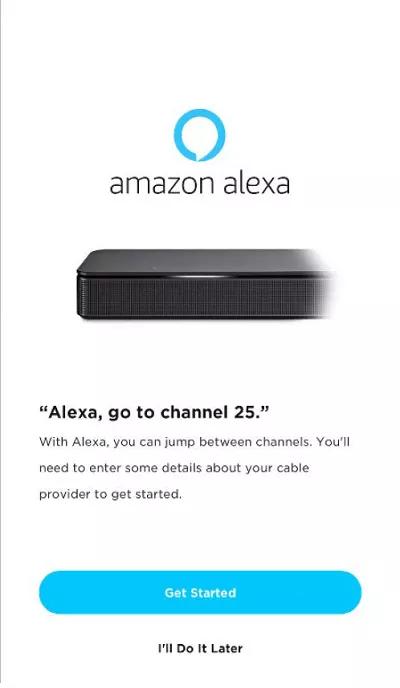
在初始設定期間,您可以繼續設定 Alexa 以變更有線電視盒或衛星電視盒上的頻道,並視需要變更電視輸入。
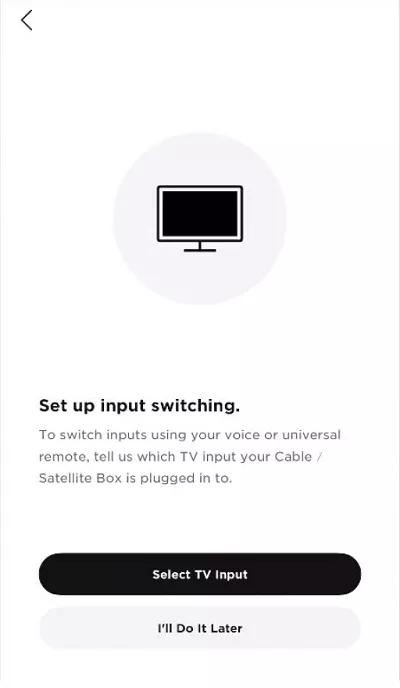
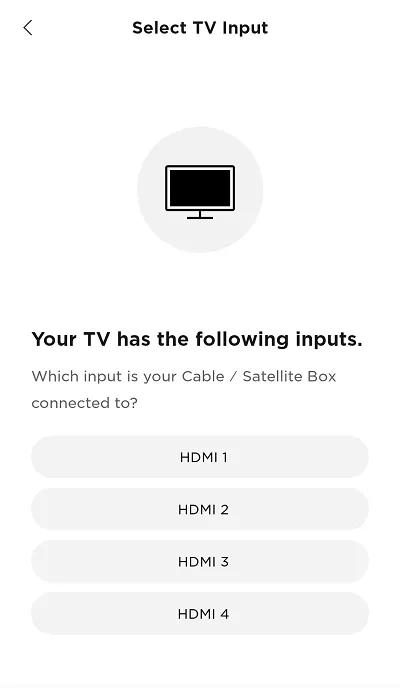
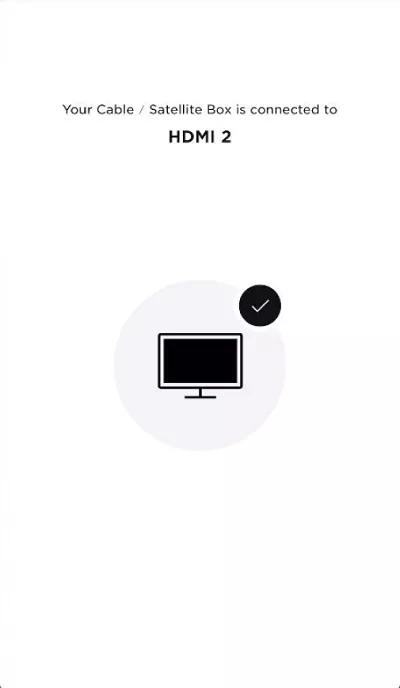
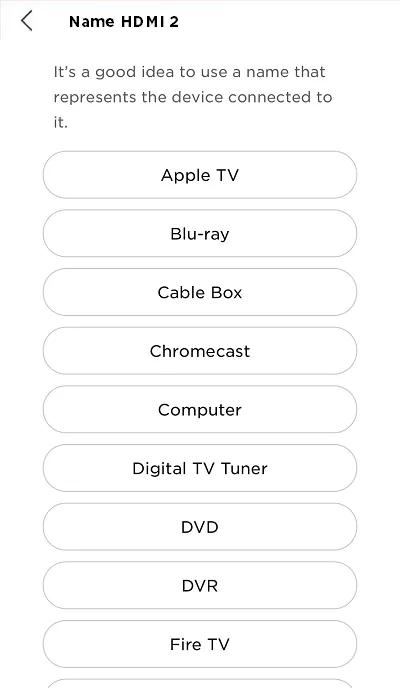
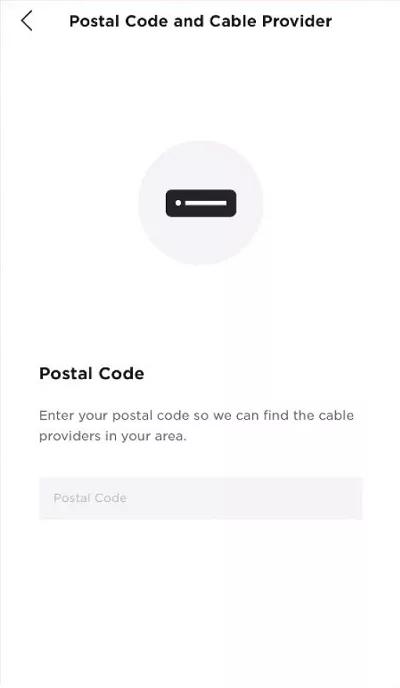
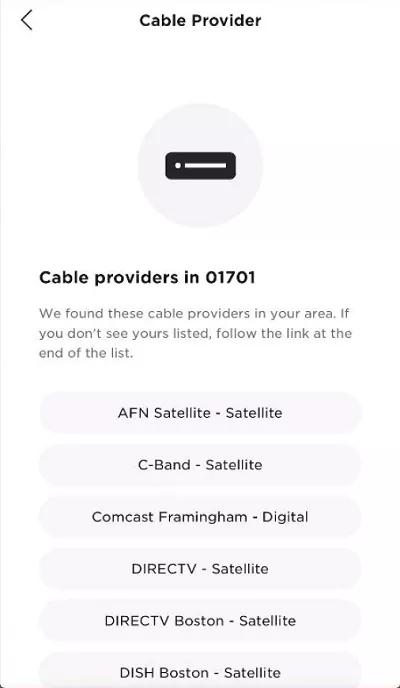
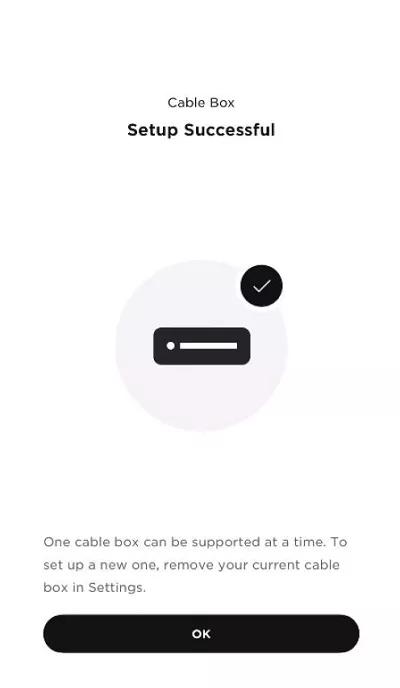
連接至 Bose 帳戶後,Alexa 即可設定為控制連接至電視的有線電視或衛星電視。依照應用程式指示,提供有線電視/衛星電視盒所連接的電視輸入、郵遞區號和電視服務供應商。
如果您想要在初始設定後設定 Alexa 以控制其他裝置,請輕觸「設定」圖示 ,選取 Alexa 語音助理,輕觸「裝置」,選取「設定電視」,然後依照應用程式指示操作。
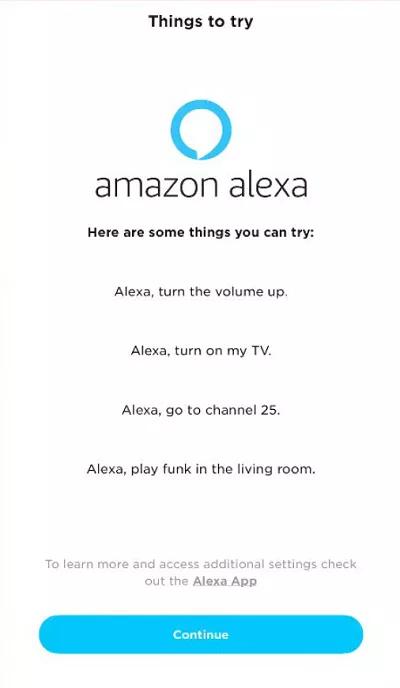
以下是您在設定過程中會看到的畫面:
 ;
;  ;
; 
 ;
;  ;
; 
 ;
;  ;
; 
如果您想要在初始設定後設定 Alexa 以控制其他裝置,請輕觸「設定」圖示
,選取 Alexa 語音助理,輕觸「裝置」,選取「設定電視」,然後依照應用程式指示操作。以下是您在設定過程中會看到的畫面:
; ; ; ; ; ;
本文章對是否對您有幫助?
感謝您的意見反應!